
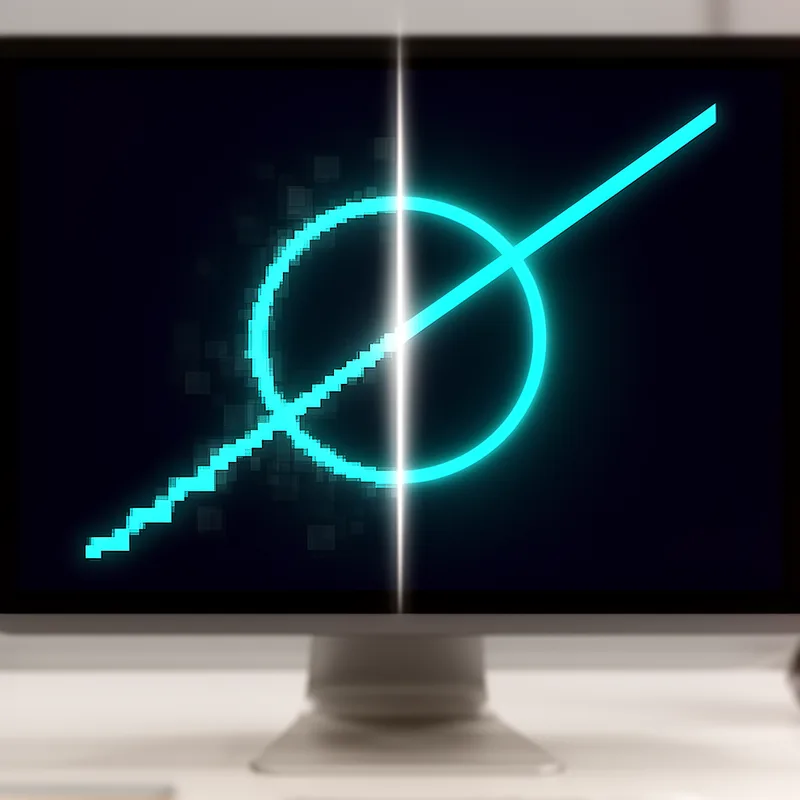
antialiasing
 1
8.3

- noun
- /ˌæn.tiˈaɪ.ləs.ɪŋ/
- Specialized
- In this printer, the technology was primarily used to perform antialiasing—improving the appearance of printed text and graphics by smoothing the steps that would otherwise appear in diagonal lines.
- 4x antialiasing
- antialiasing tests
Loading YouTube…
Watch on YouTubeI do find there's more input like when I run antialiasing, so take that for what it is, but why are we running these tests?
- I do find there's more input like when I run antialiasing, so take that for what it is, but why are we running these tests?
Examples
-
Antialiasing software removes jagged edges on curves and surfaces.
Academic text (1993) -
Various antialiasing methods are now common in the printing industry.
Academic text (1997) -
I can turn off antialiasing completely, but the results are hideous.
Blog text (3) -
This antialiasing problem goes away with larger point sizes; even 10.5 pt is large enough to clear everything up.
Blog text (3) -
Usually, antialiasing is unwelcome in horizontal and vertical lines, which become "blurred."
Blog text (26) -
With antialiasing, pels that would otherwise look like a step along the edge of a diagonal line are printed at partial exposure levels in order to smooth out the step.
Academic text (1997) -
The graphics designer used antialiasing to smooth the edges of the images for a polished look.
-
Enabling antialiasing in the software greatly improved the visual quality of the curves in the graphics.
-
When playing the game, I noticed that antialiasing reduced the jagged edges on diagonal lines, making them look much nicer.
Antonyms

Surface Forms
Morphology
Etymology
Antialiasing comes from the parts anti- 'against' and alias 'other name', where alias is like when someone uses another name. So, antialiasing is a way to work 'against' those 'other' false or jagged lines on a screen to make curves and diagonal lines look smooth.