
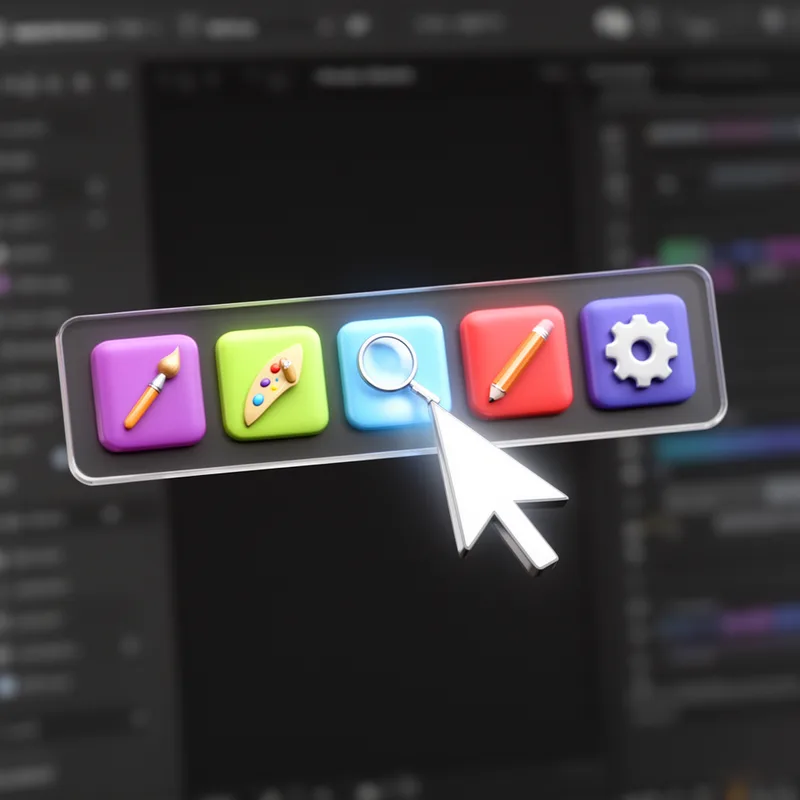
toolbar
 12
3.2
12
3.2

- noun
- /ˈtʊlˌbɑr/
- Specialized
- Toolbars, task panes, and drop-down menus are everyday examples of the choice-rich environment confronting users.
- toolbar icon
- Google toolbar
- toolbar to open
Loading YouTube…
Watch on YouTubeYou can turn them on by clicking on CC in the YouTube toolbar.
- You can turn them on by clicking on CC in the YouTube toolbar.
Examples
-
Or you can drag the "Purify" button to your browser toolbar and then just click it when you find the clip you want.
Academic text (2011) -
One good tool for blocking pop-ups is the Google Toolbar blocker at http://toolbar.google.com.
Academic text (2006) -
I personally have the Google Toolbar installed on my computer and use it often.
Blog text (13) -
From there, Google Drive appears right in your Google toolbar, just a click away from your email inbox.
Blog text (1) -
On top of the page, there is a toolbar that reads: Home, Profile, Contacts, Groups, Jobs, etc.
Blog text (16) -
Select the summation icon from the toolbar to produce a total row in the Design view screen.
Academic text (2001) -
I installed the Little Magic Links widget into my toolbar in Safari.
-
Now we are hearing (and seeing) that menus and toolbars are being touted for advanced users.
Blog text (20) -
There's a handy new addition to the toolbar in SourceTree 1.5 (keyboard shortcut Cmd-Alt-F):
Blog text (6) -
You can quickly save your document by clicking the save icon on the toolbar.
Synonyms
 121
3.1
121
3.1
A strip on a screen that shows buttons, menus, or information
How Feature-Rich
- Specialized
4
3.4

- Specialized
12
3.2
- Specialized
13
3.9
- Specialized
89
3.9
Surface Forms
Morphology
Etymology
Toolbar comes from tool ('something you use to do a job') and bar ('a long row or strip'). Think of a toolbox or toolbelt but on your screen: a toolbar is a row of tools (buttons or icons) that give you quick access to functions.