
to reselect
 1
3.6
1
3.6

- verb
- /ˌriːsɪˈlɛkt/
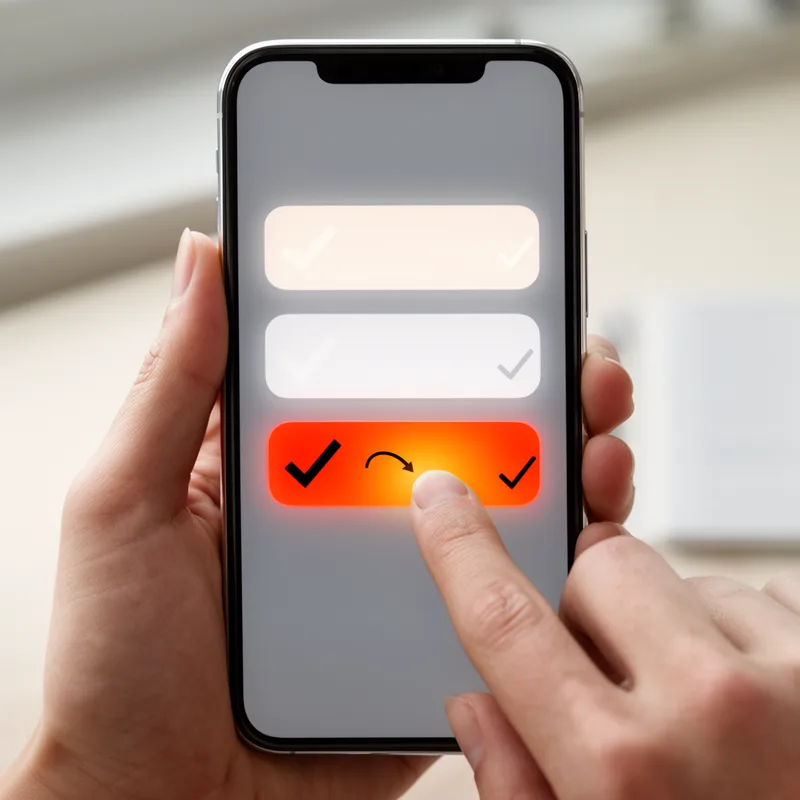
- If you accidentally choose the wrong option, simply reselect the correct one on the form.
Examples
-
Reselect the circle made in the previous step and go to Object > Path > Offset Path.
Blog text (5) -
Reselect the vector shapes created in the previous step and duplicate them.
Blog text (5) -
Reselect the vector path made in the previous step and convert it to a smart object.
Blog text (5) -
Reselect the remaining shape and set the Profile section to Width Profile 1.
Blog text (26) -
Reselect one of the vector shapes made in the previous step and convert it to a smart object.
Blog text (5) -
Reselect the three vector paths made in the last three steps and turn them into one simple smart object.
Blog text (5) -
Reselect both groups and send them to the back (Shift + Control +).
Blog text (5) -
Reselect all the shapes created so far and duplicate them.
Blog text (5) -
Reselect the smart object made in the previous step and duplicate it (Control + J).
Blog text (5) -
Reselect the path made in the previous step and duplicate it (Control + J).
Blog text (5)
Antonyms

Surface Forms
Morphology
Etymology
The word reselect is made from re- meaning 'again' and select meaning 'choose', so it simply means to 'choose again', for example when you pick a different answer on a form.