
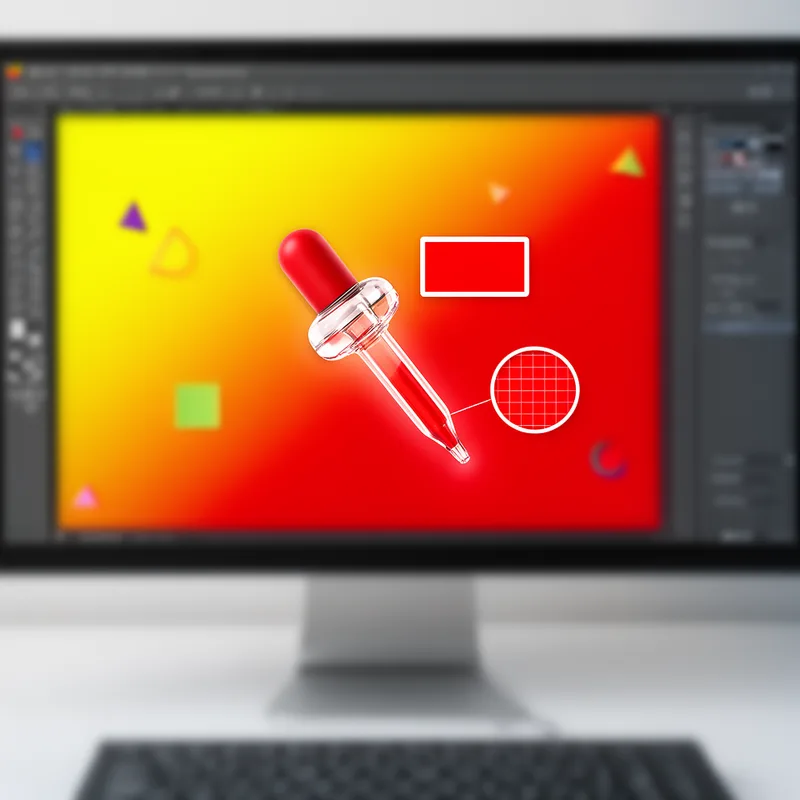
eyedropper


 1
3.7
1
3.7
- noun
- /ˈaɪˌdrɒpər/
- Jargon
- The sliders at the bottom of the dialog have been positioned as a result of using the eyedroppers to select and refine the selection of the target color.
- select the eyedropper
Examples
-
Select the White Balance Eyedropper from the top left menu bar (see Figure 1) and then left-click this tool (on a PC or just click on a Mac) on some foliage that should be white.
Academic text (2008) -
This darkens all the targeted color (Figure 5B) and it's easy to see colors that need to be added or subtracted using the '+' and '-' eyedroppers.
Academic text (2008) -
To do that, we'll grab the eyedropper tool and we're going to click on the color.
-
To find it, click on the Eyedropper Tool. The Measure Tool is at the bottom of the list.
Academic text (2007) -
So, now you should use the eyedropper tool (I) and get each of these colors on your sketch.
Blog text (34) -
The Eyedropper Tool (I) and previously created icons can help you with that.
Blog text (26) -
Now select the eyedropper to add to the targeted colors, picking up the hue variations you choose to include in your target.
Academic text (2008) -
In addition, LiPira taught the students how to use the eyedropper tool to select a specific color and reuse it elsewhere in the composition.
Academic text (2008) -
Using eyedroppers in Premiere Pro CS5.5 with the 5.5.2 update on Mac OSX v10.5.8 (Leopard) can cause a crash.
Blog text (23) -
To select the perfect shade for your project, use the eyedropper tool to click on the color in the image.
Synonyms
A tool in a program that picks a color from an image for use elsewhere
How Precise
- Specialized

- Jargon
1
3.7
Surface Forms
Morphology
Etymology
Eyedropper in design software is named after the real tool because it 'picks up' one thing at a time. A helpful way to remember it is to think that the on-screen eyedropper selects a single color the same way a real eyedropper picks up a single drop of liquid.