
Caps Lock
 2
2.6
2
2.6

- noun
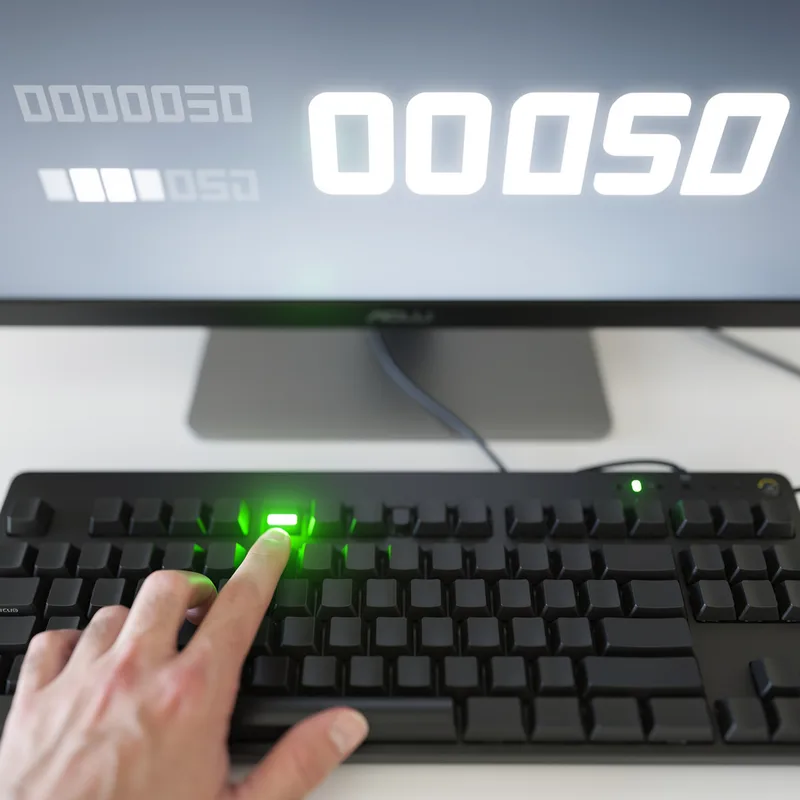
- By the way, if you're having trouble finding it, the caps lock button is on the left side of the keyboard.
- Caps Lock key
Loading YouTube…
Watch on YouTubeYou can actually swap control and caps lock.
- You can actually swap control and caps lock.
- So implementation of the keyboard, the shift keys, the caps lock key, the NUM lock key, all handled identically.
Examples
-
It just means you have a caps lock button.
Blog text (4) -
By the way, the Caps Lock key is next to the A.
Blog text (22) -
First off, your caps lock seems to be stuck.
Blog text (11) -
First, I'd recommend keeping Caps Lock off if you hope to be taken seriously.
Blog text (13) -
Make sure the Caps Lock is off before you start typing your password.
-
When typing in all caps, it's often because the Caps Lock key is activated.
-
I accidentally sent the email with the Caps Lock on, so the message was in uppercase.
Antonyms
Surface Forms
Morphology
Caps + lock
The compound is directly built from 'caps' (short for capital letters) and 'lock' (to secure or fix). If a B1 learner knows these constituents, they can reasonably infer it is a control that 'locks' letters into capitals, so the meaning is compositional and immediately derivable.
Etymology
Caps Lock comes from old typewriters and early keyboards: Caps stands for 'capital letters' and Lock means to keep them on. So when the key is turned on, all the letters you type stay in 'uppercase'.